 Motion Prompt Lab.
Duration — 1280×720 · 16:9 landscape HyperFrames HyperFrames + GSAP
Run log
ModelClaude (agent build)
Renderer / stackHyperFrames + GSAP
Iterations to final3
Render time22.8s (final render)
Format1280×720 · 16:9 landscape
Published2026-11-02
What broke (and the fix)
- Two stray orange dots floated on the board mid-film: a dashed path at full offset still paints its round start cap, so the not-yet-drawn rain and cycle arrows leaked their first dots. Fixed by holding every path at opacity 0 until its own draw beat; verified gone in the same frame of the re-render.
- Accepted check warnings: the closing caption's hold is in the family's usual class; the board labels are furniture type set at marker sizes.
Original prompt Tested
Whiteboard draw-on explainer — HyperFrames prompt (marker pen draws every stroke)
by MotionPrompts (own run)
Prompt
Banned list —Beat grid —Build method —Self-review —
<direction>
Build a 1280x720, 11-second whiteboard draw-on explainer in HyperFrames + GSAP: a real white board (white panel inside the dark house frame, marker tray at its base) where a simple cycle diagram draws itself stroke by stroke — and an orange marker pen rides the head of every stroke, hopping between paths, so it always looks drawn, never revealed. House style: background #0a0a0a, white UI type, ONE orange accent #ff5c1a (the pen, the arrows, the underline), marker-black #161616 for the drawings, Arial/Helvetica bold, NO webfonts, no gradients, no glows. The topic is a sample and the footer says so: "SAMPLE TOPIC — SWAP IN YOUR OWN DIAGRAM, LABELS + STEPS".
Topic (board title): How Rain Forms
Steps (label per stage, three of them): Evaporation, Rain, And It Repeats
Banned: stock whiteboard footage or hand videos, pre-drawn elements fading in (everything must DRAW), extra marker colours, labels that appear before their element is drawn.
</direction>
<structure>
0.0-1.1s: orange kicker "WHITEBOARD DRAW-ON EXPLAINER — SAMPLE RUN" and the topic title settle; the white board rises into the frame and the board title appears; the pen underlines it in orange.
1.9-4.4s: the scene draws — sun (circle, then rays), then the water line — the pen riding every stroke, fading between paths and re-appearing at each new start point.
4.5-5.4s: the orange evaporation arrow draws upward; its label pops beside it; the steps chip lands.
5.6-7.5s: the cloud outline draws; orange rain strokes fall under it; the RAIN label and the cycle chip land.
7.7-9.0s: the big cycle arrow draws around back to the water; "AND IT REPEATS" appears in orange; the pen lifts off and fades.
9.0-11.0s: the final chip lands and the closing caption "ONE BOARD · EVERY STROKE DRAWN · NO STOCK WHITEBOARD" holds under the finished diagram.
</structure>
<build>
Draw-on is stroke-dashoffset driven by getTotalLength, one paused GSAP timeline registered as window.__timelines["main"]. The pen is a small drawn group (orange body, dark cap, tip at its local origin); every stroke gets a paired progress proxy whose onUpdate places the pen at the stroke's current head via getPointAtLength, rotated to the tangent — the same sync pattern as a vehicle on a route. Between strokes the pen fades out, is repositioned to the next path's start by a timeline call, and fades in. Two leak classes to design out: (1) a fully-offset dashed round-cap path still paints its start dot — keep each path at opacity 0 until its own beat; (2) never let the pen sit visible between strokes, it reads as a sticker, not a hand. Labels are HTML over the board, slightly rotated, timed AFTER their element finishes drawing.
</build>
Use this prompt
The pen is the whole illusion: if it lags the stroke head by even a few frames, or sits parked on the board between strokes, the drawing reads as a reveal effect instead of a drawing. Sync it from the same progress value that drives the dashoffset, and hide it between strokes — the hop is what sells the hand.
Related videos
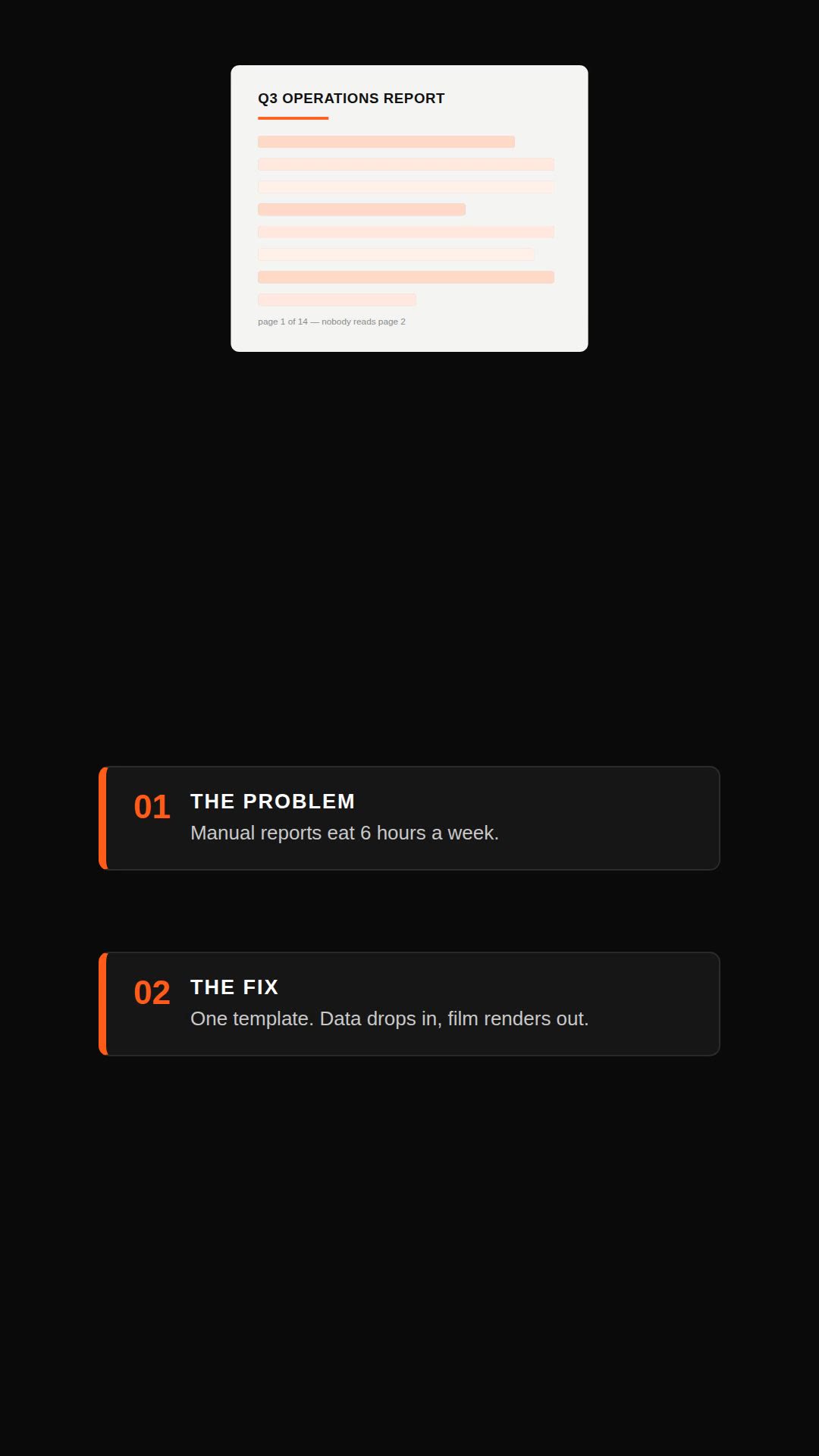
Remotion explainer prompt — document to vertical video
Remotion·Vertical Tested
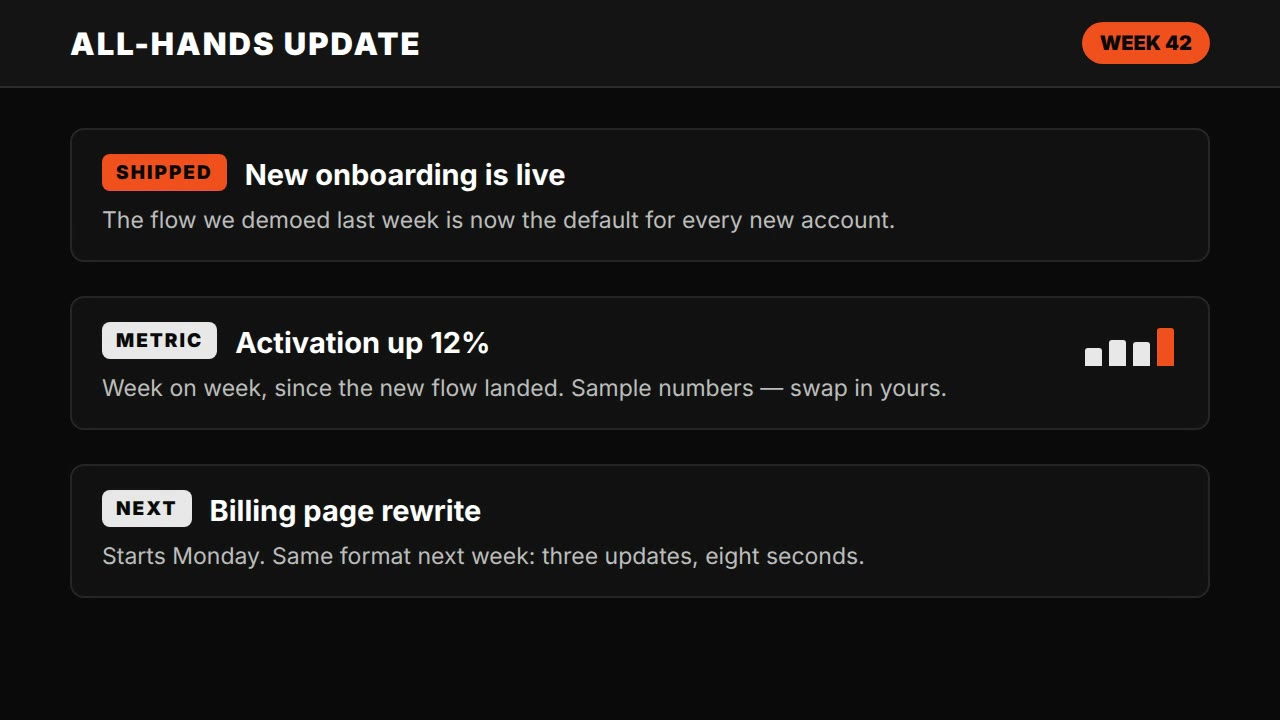
Claude Motion explainer prompt — all-hands update style
HyperFrames·Landscape Tested
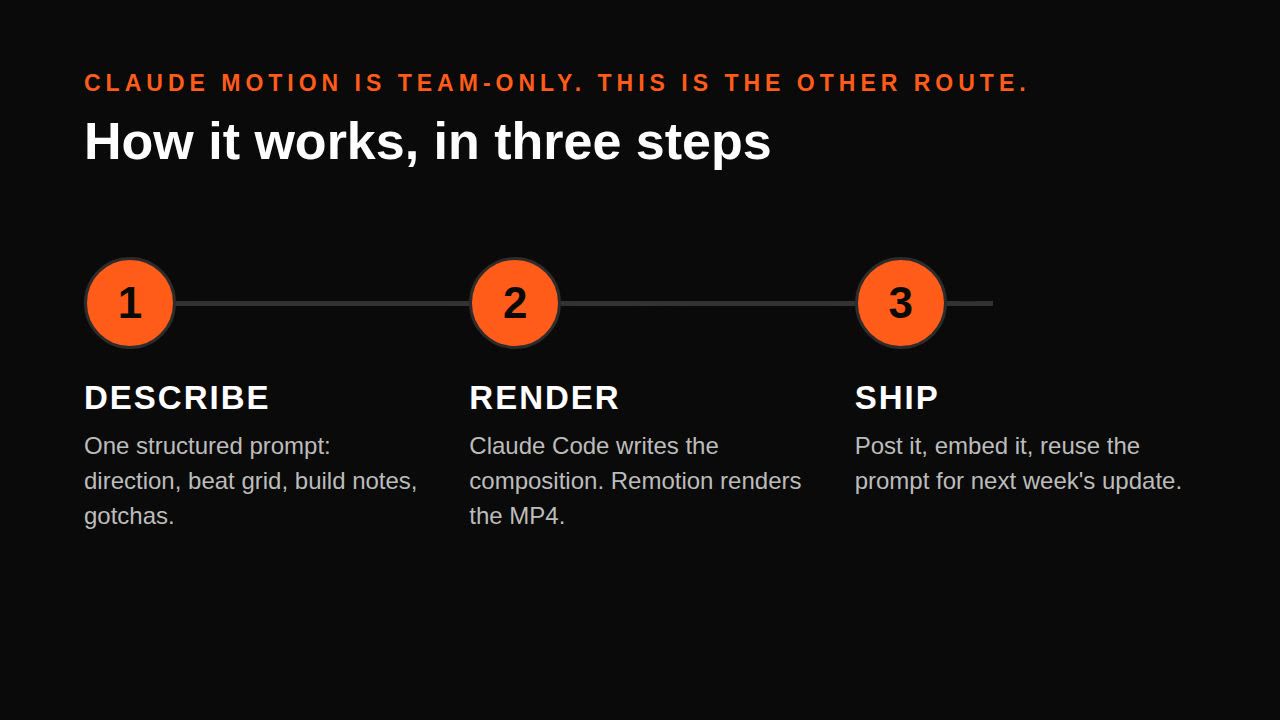
Claude Motion alternative — explainer without Motion (Remotion)
Remotion·Landscape Tested
Single-file HTML explainer prompt — seek(t) method
HTML·Landscape Tested