 Motion Prompt Lab.
Duration — 720×1280 · 9:16 vertical Veo 3.1 Google Flow · Veo 3.1 (text-to-video)
Run log
ModelVeo 3.1 Lite
Renderer / stackGoogle Flow · Veo 3.1 (text-to-video)
Iterations to final1
Generations1 (all counted, failures included)
Flow credits spent10
Format720×1280 · 9:16 vertical
Last tested2026-11-11
What broke (and the fix)
- The watch face lighting up on cue is the fragile beat in unboxing prompts; here it landed on the first take, and the hands stay clean throughout — no extra fingers in the frames we checked.
Original prompt Tested AI video
Smartwatch unboxing — top-down reveal
by MotionPrompts (own run)
Prompt
Banned list —Beat grid —Build method —Self-review —
Vertical top-down unboxing video. Two hands open a matte black smartwatch box on a light wooden desk: the lid lifts, the watch rests on a grey cushion, fingers peel the protective film off the glass with a soft crackle, the strap is fastened around a wrist, and the watch face lights up showing 07:30. Crisp packaging sounds, soft daylight, no faces, no text overlays.
Use this prompt
Paste into: Google Flow (Veo 3.1)
How to use
- Copy the prompt into Google Flow and choose Veo 3.1 Lite.
- Set aspect 9:16 and duration 8s — our exact run settings are listed below.
- Generate. Our accepted video took 1 generation and 10 Flow credits, failures included.
Model & settings
ModelVeo 3.1 Lite
Aspect9:16
Duration8s
Generations1
Flow credits10
No project file to download — a text-to-video prompt has no code. The prompt above plus these settings is the whole recipe: paste it into Google Flow (or any Veo 3.1 surface), set the aspect, and generate.
The exact text pasted into Google Flow for the unboxing — written as a beat list inside one paragraph, because unboxings live or die on the order of the beats. This entry cost 10 Flow credits (a single Veo 3.1 Lite generation — the first take shipped). Ran on Nov 11, 2026 in the Batch-3 Flow session — the account pool opened at 250 credits, and the session spent 190 of its approved 208 across 14 runs, closing at 60.
Related videos
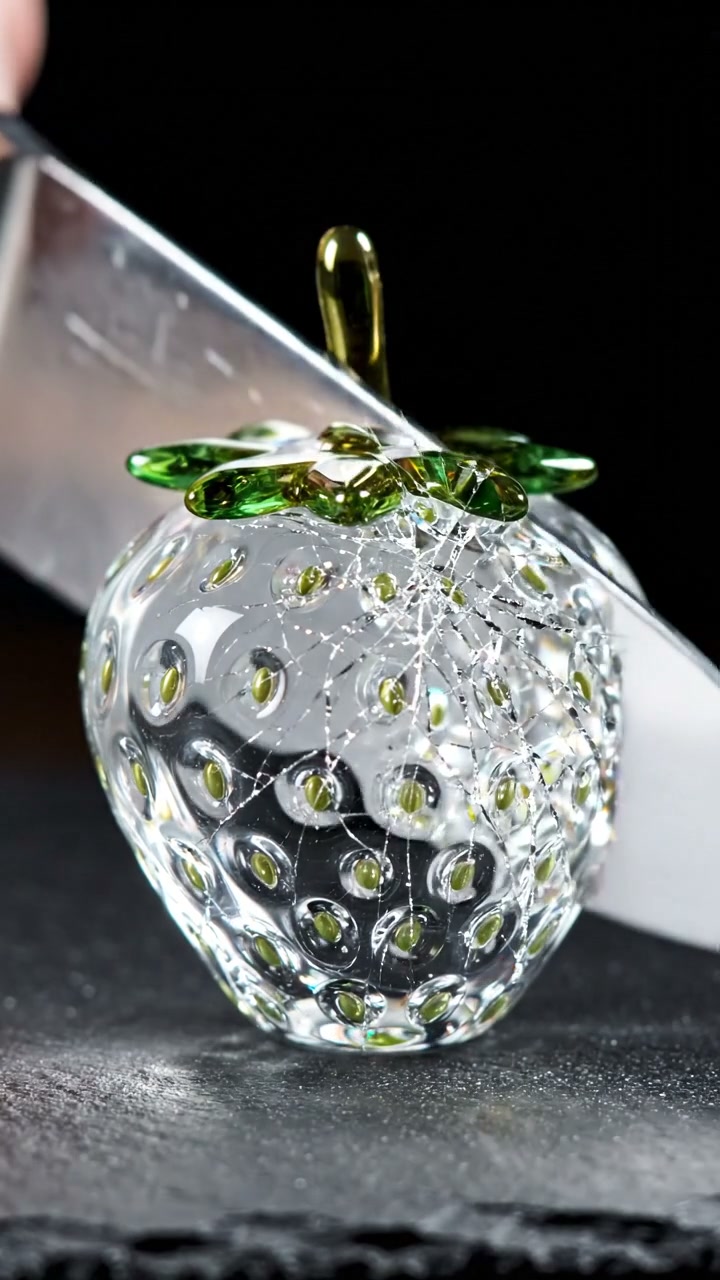
Veo 3 ASMR Prompt — Glass Fruit Cutting (Vertical)
Veo 3.1·9:16 vertical TestedAI video
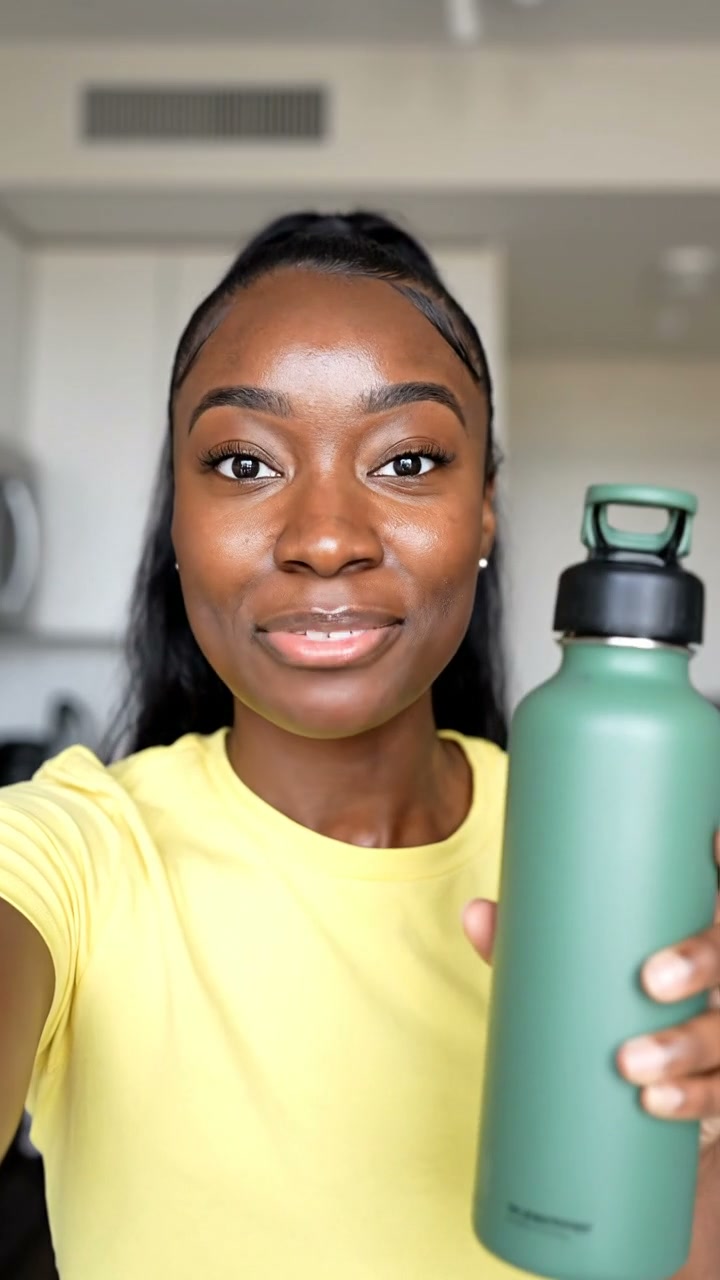
Veo 3 UGC Selfie Ad Prompt — Water Bottle Testimonial
Veo 3.1·9:16 vertical TestedAI video
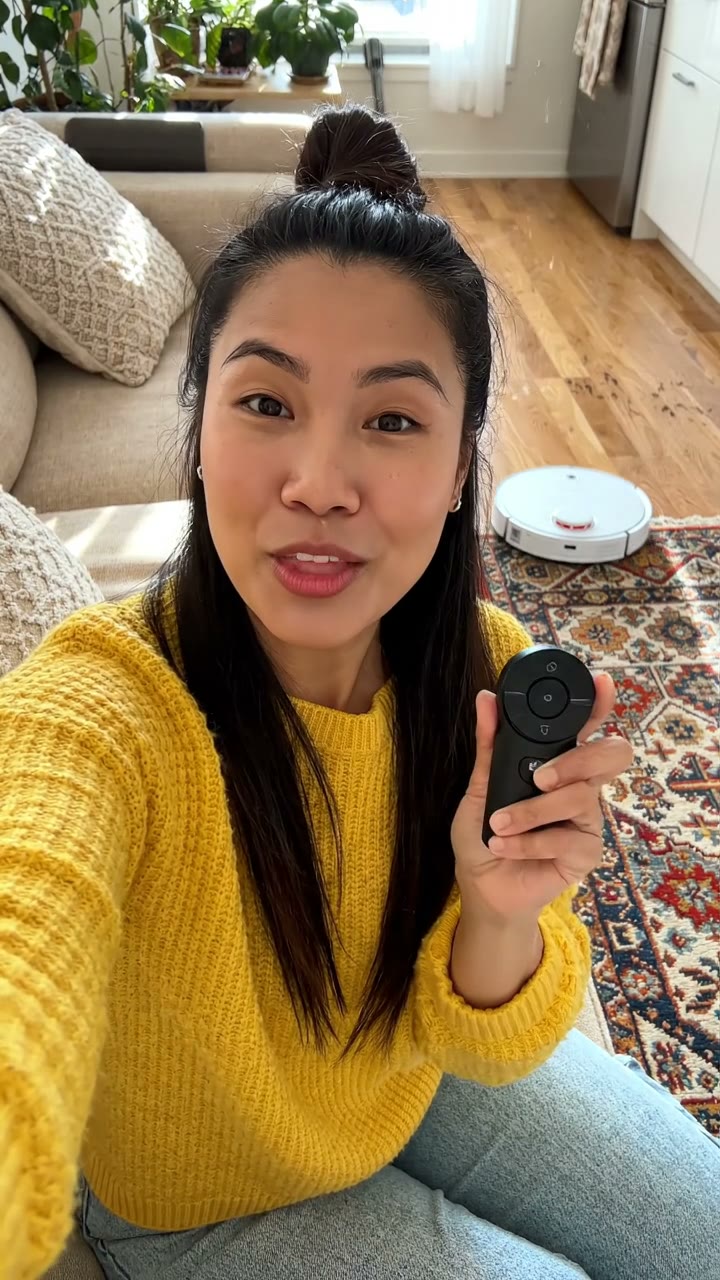
Testimonial ad — robot vacuum, spoken line
Veo 3.1·9:16 vertical TestedAI video
Morning routine — 6:30 start, fast cuts
Veo 3.1·9:16 vertical TestedAI video