 Motion Prompt Lab.
 Duration — 1280×720 · 16:9 landscape Veo 3.1 Google Flow · Veo 3.1 (text-to-video)
Run log
ModelVeo 3.1 Lite
Renderer / stackGoogle Flow · Veo 3.1 (text-to-video)
Iterations to final1
Generations1 (all counted, failures included)
Flow credits spent10
Format1280×720 · 16:9 landscape
Published2026-10-31
What broke (and the fix)
- Nothing needed a re-roll, and the motion is verified, not assumed: measured frame-by-frame on the shipped file, the mid-ground terrain grows about 22% across the eight seconds while the distant ridges grow only about 4% — the depth-dependent scaling of a real forward flight, which a flat zoom on a still photo cannot produce. The taste-level notes: the descent is gentler than the prompt's wording suggests — altitude reads clearly throughout, but the drop is subtle — and the low cloud wisps are thin. Neither justified a second generation.
- Audio caveat: the prompt asks for 'only soft wind' and no music. The shipped clip has no music; the wind level itself could not be verified in remote playback, so we do not claim it.
Original prompt Tested AI video
Veo 3 Drone Nature Prompt — River Valley at Golden Hour
by MotionPrompts (own run)
Prompt
Banned list —Beat grid —Build method —Self-review —
Aerial drone shot flying slowly forward over a winding river valley at golden hour, the river curving through deep green forest far below. The camera starts high, looking slightly down at layered ridges and thin wisps of low cloud, then descends gently as it pushes forward so the treetops grow larger and the sense of altitude stays clear; warm low sunlight rakes across the valley and glints off the water. Smooth, steady drone movement with no sudden tilts, photorealistic nature documentary footage, rich natural colour, no people, no buildings, no text, no logo, no music, only soft wind.
Use this prompt
Model & settings
ModelVeo 3.1 Lite
Aspect16:9
Duration8s
Generations1
Flow credits10
No project file to download — a text-to-video prompt has no code. The prompt above plus these settings is the whole recipe: paste it into Google Flow (or any Veo 3.1 surface), set the aspect, and generate.
The exact text pasted into Google Flow for the drone flight over a river valley — no structure tags, no code; Veo generated the film from this one paragraph. This entry cost 10 Flow credits (a single Veo 3.1 Lite generation — the first take shipped). It ran on Oct 31, 2026 in the same session as the food commercial entry: preflight read a 250-credit account pool (Plus tier, resets Nov 30), 20 credits were spent across the two entries, and the session ended at 230.
Related videos

Veo 3 Dialogue Scene Prompt — Café Conversation with Speech
Veo 3.1·16:9 landscape TestedAI video

Veo 3 ASMR Prompt — Glass Fruit Cutting (Vertical)
Veo 3.1·9:16 vertical TestedAI video
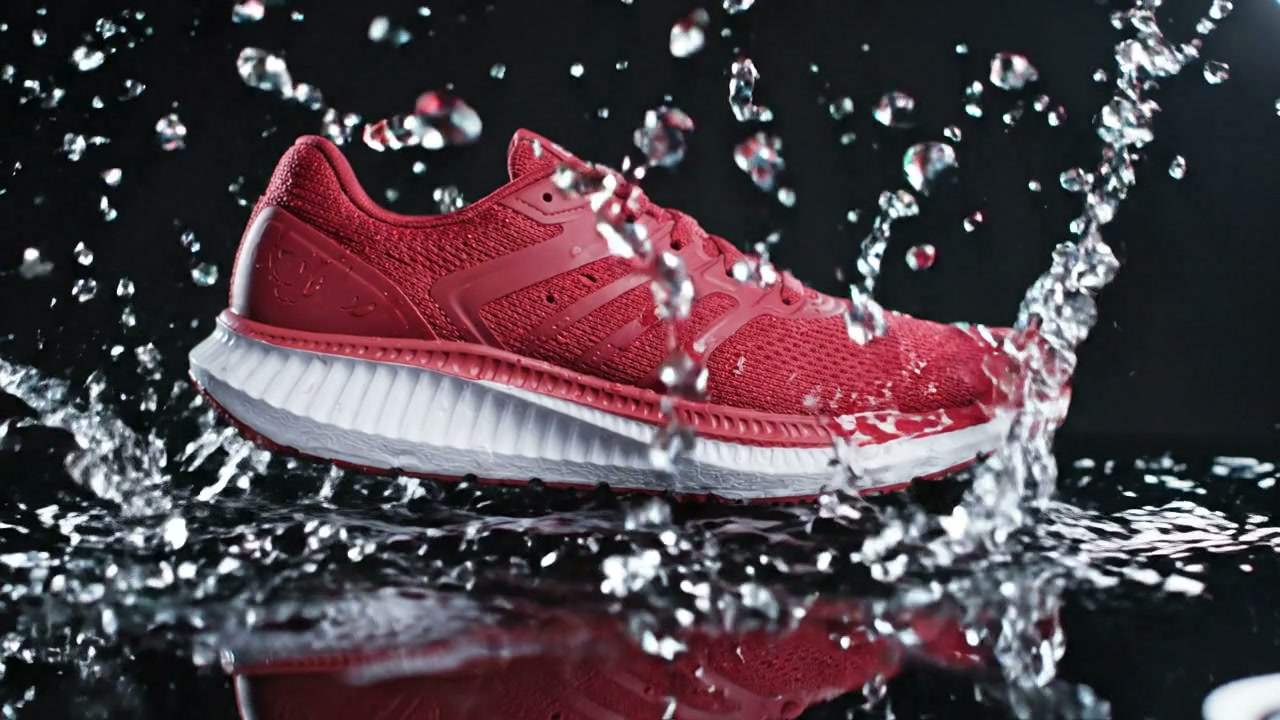
Veo 3 Product Splash Prompt — Sneaker Over Water
Veo 3.1·16:9 landscape TestedAI video
Veo 3 UGC Selfie Ad Prompt — Water Bottle Testimonial
Veo 3.1·9:16 vertical TestedAI video