 Motion Prompt Lab.
Duration — 1280×720 · 16:9 landscape Veo 3.1 Google Flow · Veo 3.1 (text-to-video)
Run log
ModelVeo 3.1 Lite
Renderer / stackGoogle Flow · Veo 3.1 (text-to-video)
Iterations to final1
Generations1 (all counted, failures included)
Flow credits spent10
Format1280×720 · 16:9 landscape
Last tested2026-11-11
What broke (and the fix)
- The transformation holds the camera angle and the light direction, which is the part that usually slips: the room changes, the shot does not. The change is a blend rather than a hard snap — satisfying, and honest about being a blend.
Original prompt Tested AI video
Room makeover — before/after in one take
by MotionPrompts (own run)
Prompt
Banned list —Beat grid —Build method —Self-review —
A dull, empty grey living room with bare walls and one old sofa. The camera pushes in slowly in one continuous shot. Halfway through, the room transforms around the same camera angle: warm cream walls, a rug, plants by the window, framed prints, a floor lamp glowing, cushions on the sofa. Same room, same light direction — a satisfying before-and-after makeover in a single take.
Use this prompt
Paste into: Google Flow (Veo 3.1)
How to use
- Copy the prompt into Google Flow and choose Veo 3.1 Lite.
- Set aspect 16:9 and duration 8s — our exact run settings are listed below.
- Generate. Our accepted video took 1 generation and 10 Flow credits, failures included.
Model & settings
ModelVeo 3.1 Lite
Aspect16:9
Duration8s
Generations1
Flow credits10
No project file to download — a text-to-video prompt has no code. The prompt above plus these settings is the whole recipe: paste it into Google Flow (or any Veo 3.1 surface), set the aspect, and generate.
The exact text pasted into Google Flow for the makeover shot — the trick is in the constraints: 'same camera angle', 'same light direction', 'one continuous shot' are what stop the model cutting to a different room. This entry cost 10 Flow credits (a single Veo 3.1 Lite generation — the first take shipped). Ran on Nov 11, 2026 in the Batch-3 Flow session — the account pool opened at 250 credits, and the session spent 190 of its approved 208 across 14 runs, closing at 60.
Related videos

Anime train scene — dusk window reflection
Veo 3.1·16:9 landscape TestedAI video
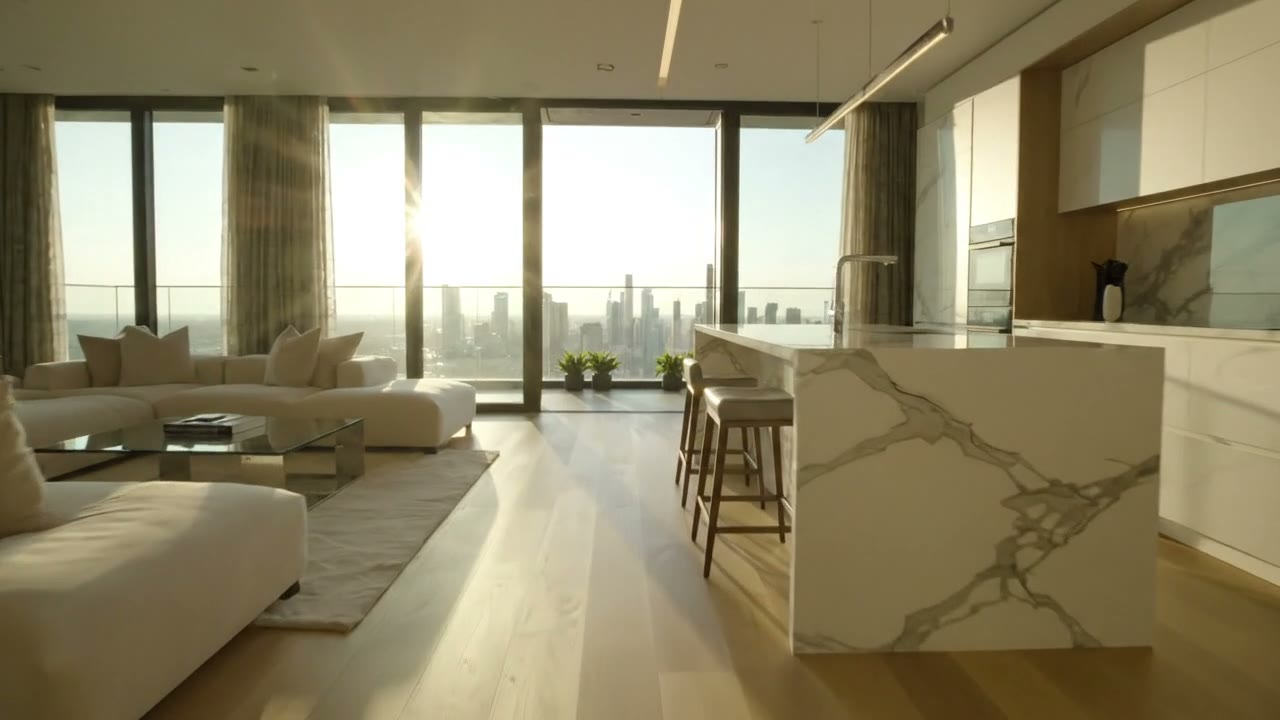
Real-estate tour — one-take apartment walkthrough
Veo 3.1·16:9 landscape TestedAI video

Holiday product ad — candle gift box
Veo 3.1·16:9 landscape TestedAI video
Veo 3 Dialogue Scene Prompt — Café Conversation with Speech
Veo 3.1·16:9 landscape TestedAI video