 Motion Prompt Lab.
Omni 1.2 Flash prompts — tested edits, with the clips they changed
The model: Google Omni 1.2 Flash, run through Google Flow — it edits an existing video from a plain-language instruction: change the season, swap the product, add an object.
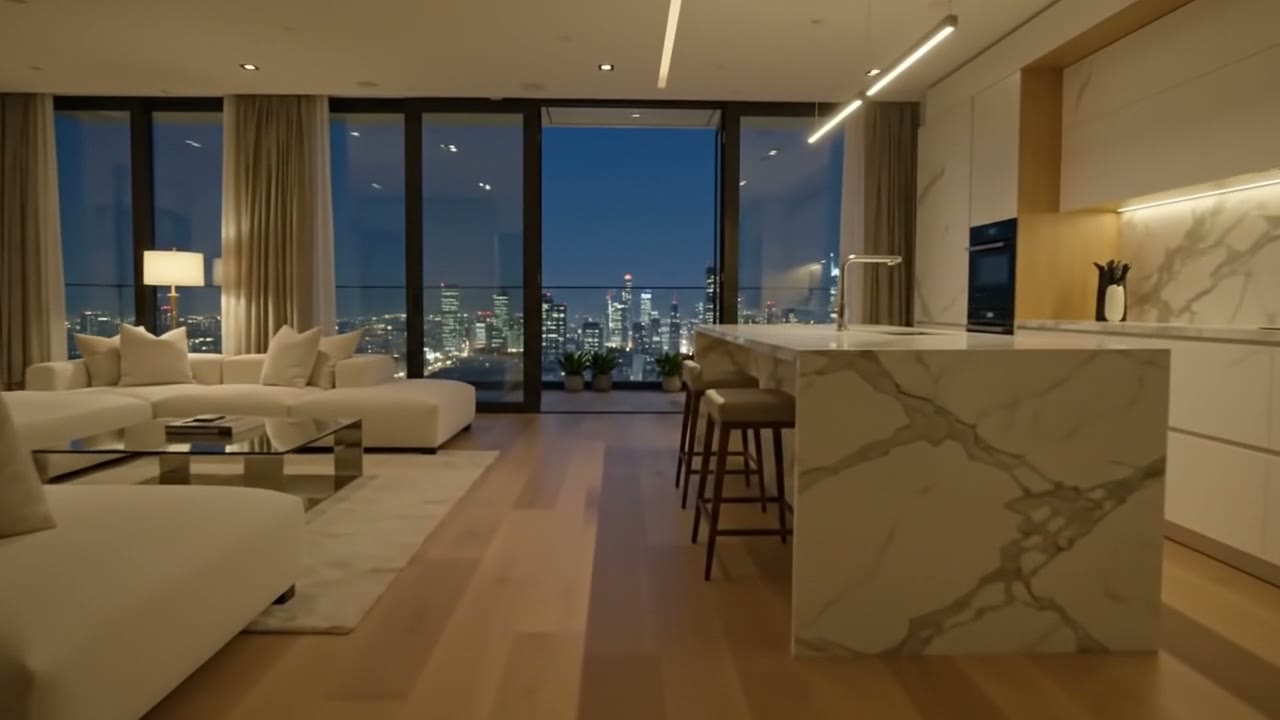
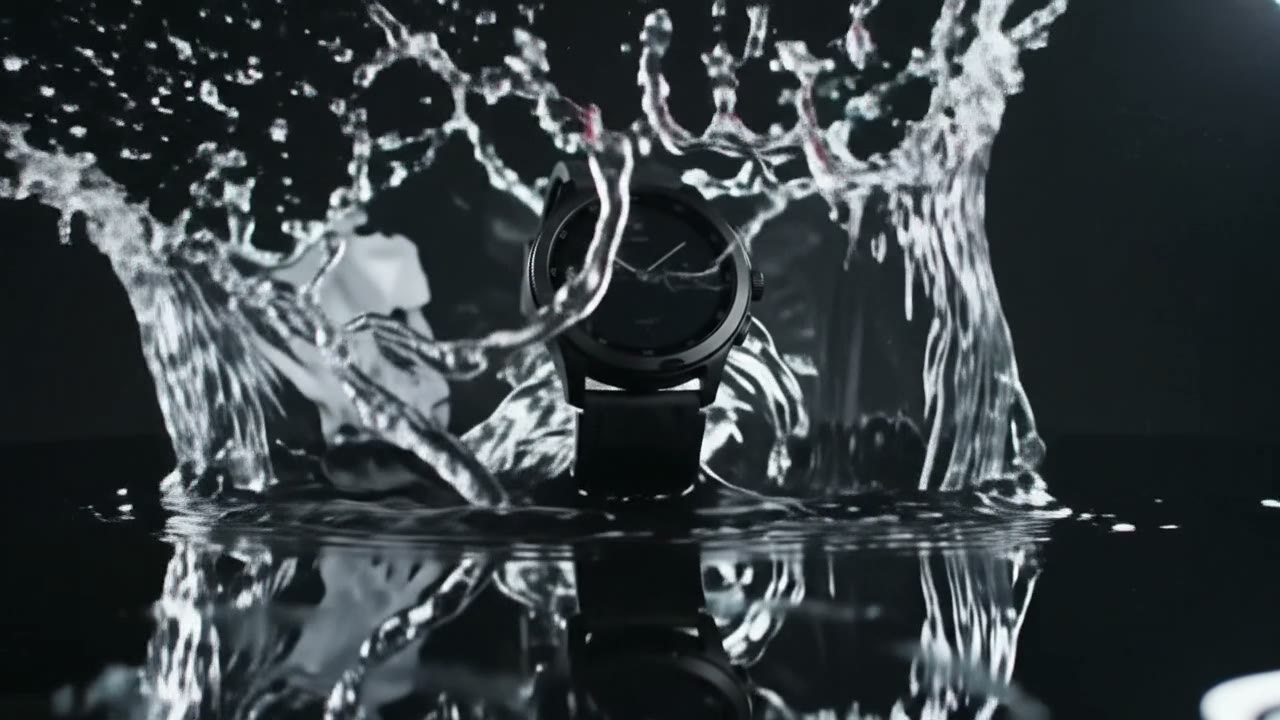
4 tested edit prompts. Every edit below was run by us in Flow's scene editor on one of our own published Veo clips — the base entry is named on each page, so you can watch the original and the edit back to back. Together they cover the four jobs people actually give Omni: a golden-hour drone flight turned to deep winter, a daytime apartment tour restyled to night, a sneaker in a product splash swapped for a smartwatch, and a cola glass with fries added beside a burger. One pricing fact the roundups get wrong: Flow charges Omni by the second — 3 credits a second, so 21–24 credits for the 7–8 second clips here, not a flat fee. Each entry carries the exact edit instruction, the base clip, the credit count and what the edit changed that it should not have. Nothing here is a text-to-video Omni generation — that surface gets its own tested set when we run it.