 Motion Prompt Lab.
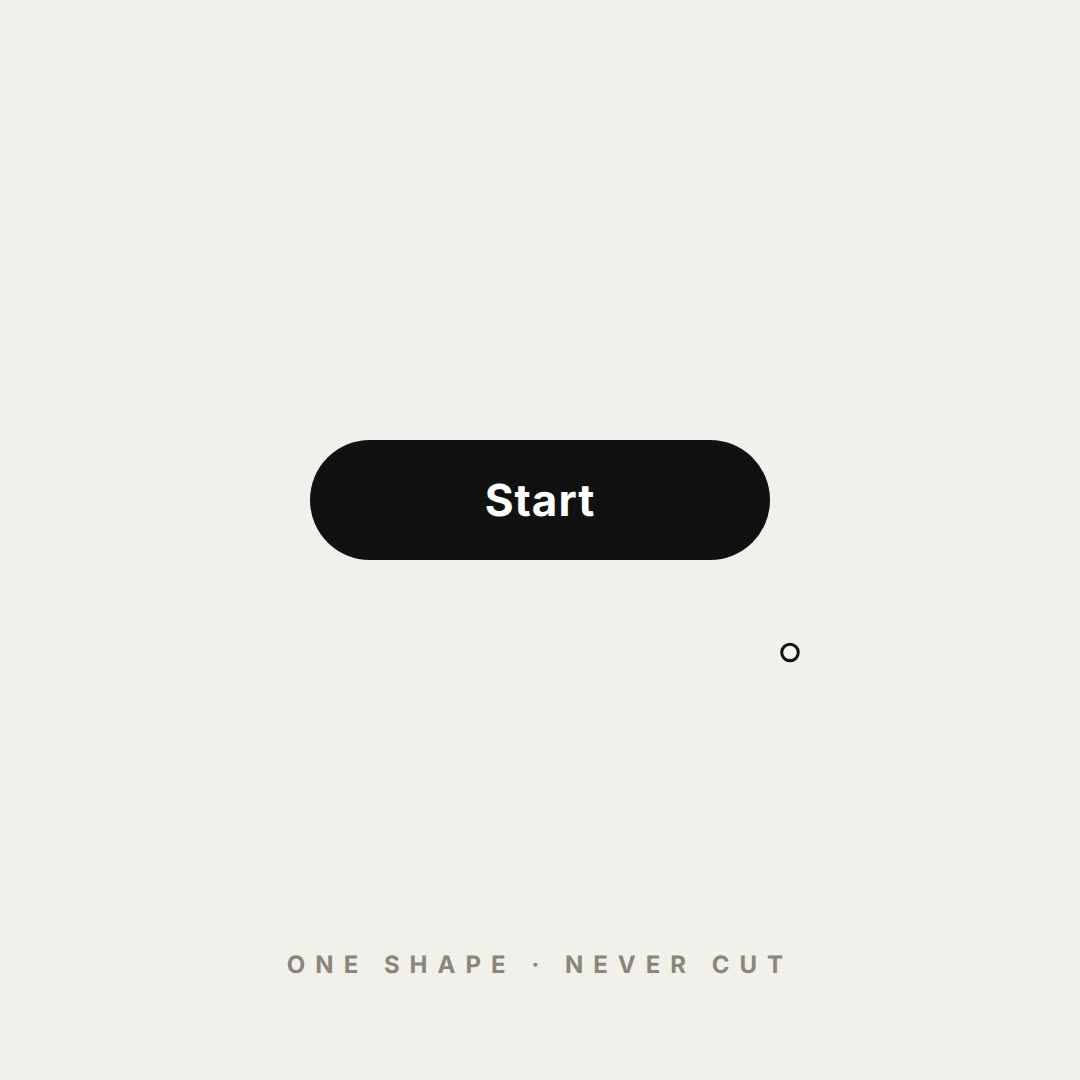
- First snapshot round showed a ghost click-ring floating at the left edge of the opening logo frame: every click ripple was a fromTo tween, and GSAP's immediateRender painted the last click's starting state at t=0. Fixed with immediateRender:false on the ripple tweens — the logo frame is clean in the re-snapshot.
- The pin state first pointed left, not down: the sharp corner (bottom-left radius) rotated +45° lands on the west point. Rotation changed to −45°, and the re-snapshot shows a proper downward map pin with the travelling accent dot as its hole.
- The 'is this you?' click originally landed between the two chips; the cursor and ripple now target the Yes chip. The globe content also started small inside the circular state (300px in a 483px disc) and was enlarged to 384px so the users fill the globe.
- Check passed with 0 errors. The 28px type floor at 1080p flagged 13 elements on the first pass — all reading text was raised to 28px and the two decorative labels (wordmark tagline, bottom caption) were marked data-layout-ignore. Three line_unread craft warnings remain and are inherent to the format: a 12-state loop holds each state ~0.8s by design, and the closing logo is the loop's first frame, so in playback it never actually leaves.
@verbove's one-shape UI morph loop — community prompt (tested)
Prompt
Use this prompt
Paste into: Your AI coding agent (Claude Code, Cursor, …)
Heads up: this prompt writes code. It renders inside a coding agent — pasting it into Veo, Google Flow or Kling will not work.
- Copy the prompt into your AI coding agent and let it build the project.
- Replace the {{placeholders}} with your own words, numbers and brand.
- Render the video — or skip the prompt and open the downloaded project files in HyperFrames directly.
The prompt is a director's spec: it asks for the product's own states and data, so our run supplies a fictional social app, Kindred ({{app}}), and walks the prompt's exact state chain — logo → button → handle field → “is this you?” → loader → pin → globe filling with users → matches → tabs → RSVP → search → logo — at a steady beat, last frame equal to the first. Two disclosed deviations: the original specifies one canvas with a single draw(t) function; our rendition is a HyperFrames DOM morph (one shape element, transform + radius morphs, GSAP back-ease standing in for the closed-form springs) following the same rules — one shape, never cut, content swaps only while the container morphs, the accent element travels between states instead of fading, and a cursor drives the sequence with clicks, typing and one drag. The only edit to the prompt text is {{app}} in the inputs line; the rest is verbatim, including the author's truncated 'every bea' line as collected in the repo.
Related videos