 Motion Prompt Lab.
Duration — 1280×720 · 16:9 landscape HyperFrames HyperFrames + GSAP
Run log
ModelClaude (agent build)
Renderer / stackHyperFrames + GSAP
Iterations to final2
Render time37s (final render)
Format1280×720 · 16:9 landscape
Published2026-11-16
What broke (and the fix)
- The first check passed with zero errors but flagged the small 'ONE SHOT — NO CUTS' tag at 15px — below the 19px type floor — and warned that the 6,400px-wide world overflows the canvas. The overflow is the design (the camera pans across it), so the world is marked data-layout-allow-overflow and the tag was raised to 19px; the re-check passed clean and stills at all five stops (1.0s, 3.0s, 5.0s, 7.0s, 9.5s) reviewed clean: satellite ring, elevators with climbers on the ring, Moon domes, Mars domes, and the mirror swarm around the Sun.
Original prompt (shared by creator) Tested Community
@theSethian's next 30 years in one shot — community prompt (tested)
Shared by @theSethian · Original post
Shared prompt: collected in the MIT-licensed awesome-opus5-5-videos repository, which invites anyone to copy a prompt and run it with their own agent; the prompt itself is credited to its author, @theSethian. Our video is an independent test run of that prompt — the creator does not endorse Motion Prompt Lab.
Prompt
Banned list —Beat grid —Build method —Self-review —
Show me the next 30 years. One shot, no cuts. Five stops: 2026, Earth at night under a cloud of satellites; 2032, a ring around the planet with space elevators; 2040, a base on the Moon; 2048, cities on Mars; 2056, a swarm of mirrors circling the Sun. Continuous camera flight from Earth out to Mars, then back past Earth to the Sun. Every frame rendered by code from real planet maps.
Use this prompt
Paste into: Your AI coding agent (Claude Code, Cursor, …)
Heads up: this prompt writes code. It renders inside a coding agent — pasting it into Veo, Google Flow or Kling will not work.
How to use
- Copy the prompt into your AI coding agent and let it build the project.
- Swap the sample content for your own where the prompt marks it.
- Render the video — or skip the prompt and open the downloaded project files in HyperFrames directly.
Two honest deviations from the letter of the prompt. (1) 'Rendered by code from real planet maps' — our run is fully code-drawn and stylised: gradient planets, hand-placed city lights, CSS domes and mirror diamonds; no planet-map imagery is used. (2) The flight is one unbroken lateral move across a five-panel world (with a slow push-in at each stop and a gentle pull-back at the end) rather than a true 3D camera path — but it honours the core demand: one shot, no cuts, all five stops in order, HUD year markers swapped mid-flight.
Related videos
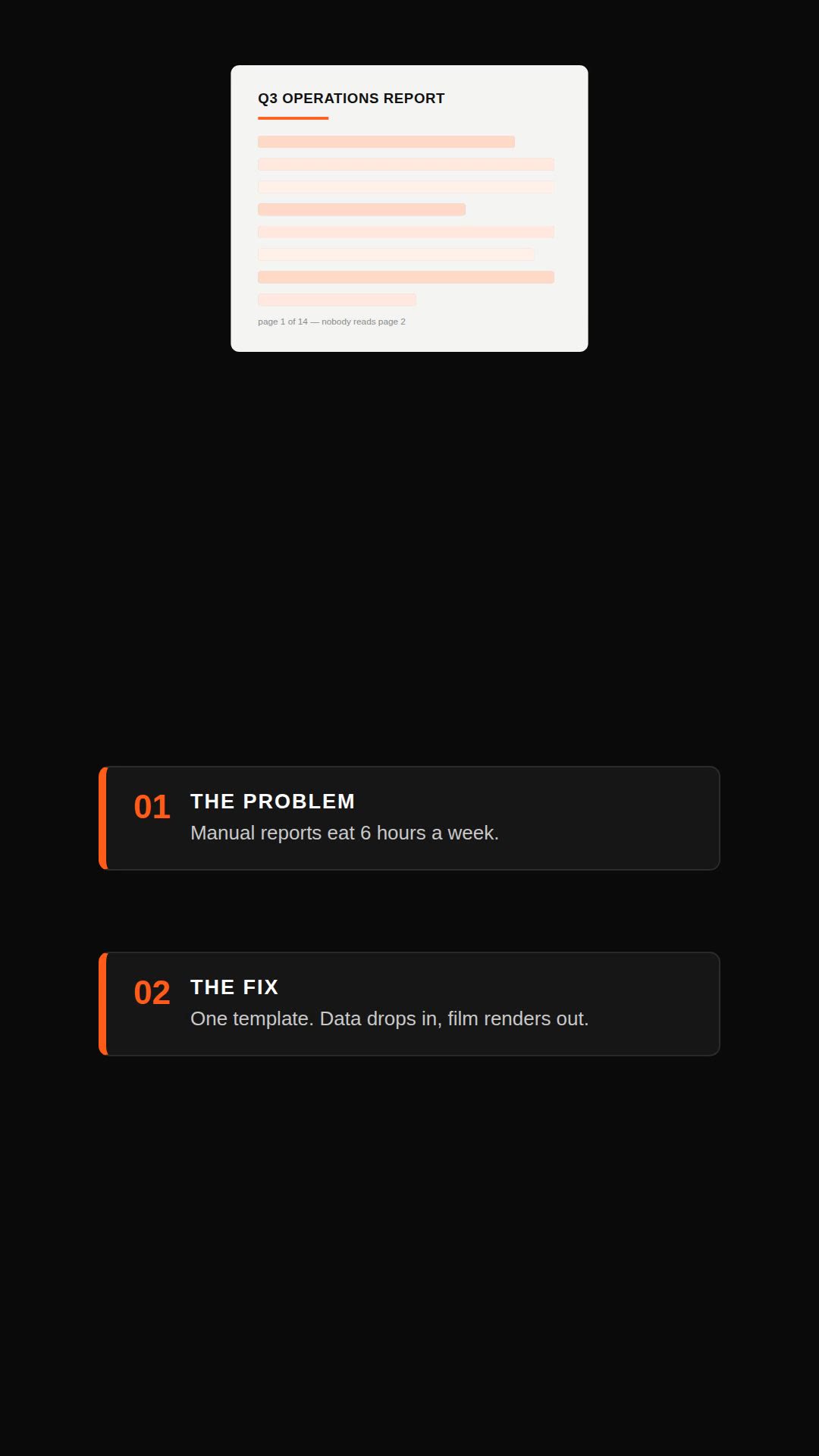
Remotion explainer prompt — document to vertical video
Remotion·Vertical Tested
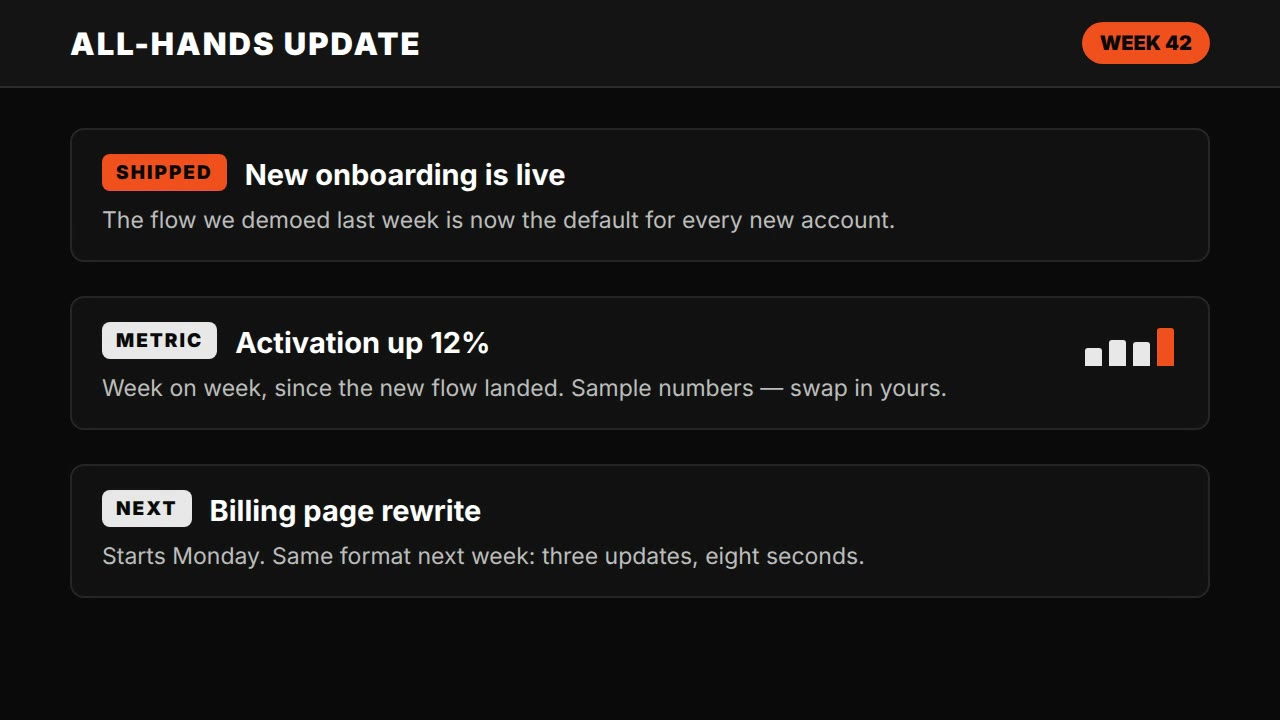
Claude Motion explainer prompt — all-hands update style
HyperFrames·Landscape Tested
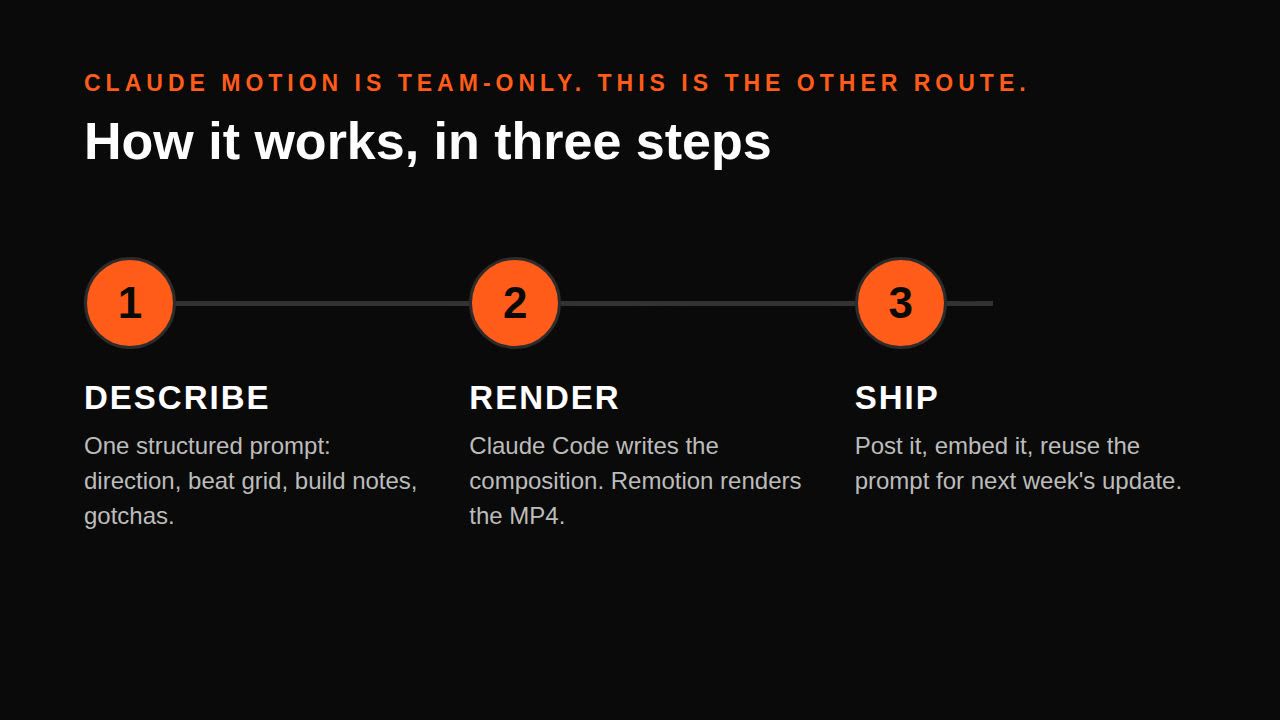
Claude Motion alternative — explainer without Motion (Remotion)
Remotion·Landscape Tested
Single-file HTML explainer prompt — seek(t) method
HTML·Landscape Tested