 Motion Prompt Lab.
Duration — 1280×720 · 16:9 landscape HTML Single-file HTML + Canvas 2D (seek-driven)
Run log
ModelClaude (agent build)
Renderer / stackSingle-file HTML + Canvas 2D (seek-driven)
Iterations to final2
Render time24s (final render)
Format1280×720 · 16:9 landscape
Published2026-11-16
What broke (and the fix)
- The first snapshot round exposed a simulation bug, not a rendering one: with a 0.5s refill and the original burst spacing, the bucket never emptied — DROPPED stayed at 0 in every still, so the rejection beat never happened. Retuned the parameters (start 5 tokens, refill one per 0.6s, a denser 8-chip final burst), verified the event replay offline first (final burst drops exactly 4), then re-snapshotted: at 5.1s the bucket is down to 2 tokens mid-burst, and at 7.95s it reads TOKENS 0 with a red 429 chip bouncing off the gate.
Original prompt (shared by creator) Tested Community
@ParkerRex's token bucket rate limiter — community prompt (tested)
Shared by @ParkerRex · Original post
Shared prompt: collected in the MIT-licensed awesome-opus5-5-videos repository, which invites anyone to copy a prompt and run it with their own agent; the prompt itself is credited to its author, @ParkerRex. Our video is an independent test run of that prompt — the creator does not endorse Motion Prompt Lab.
Prompt
Banned list —Beat grid —Build method —Self-review —
explain a token bucket rate limiter, canvas only, no libraries, every frame a pure function of time so my renderer can screenshot it.
Use this prompt
Paste into: Your AI coding agent (Claude Code, Cursor, …)
Heads up: this prompt writes code. It renders inside a coding agent — pasting it into Veo, Google Flow or Kling will not work.
How to use
- Copy the prompt into your AI coding agent and let it build the project.
- Swap the sample content for your own where the prompt marks it.
- Render the video — or skip the prompt and open the downloaded project files in HTML directly.
One disclosure: the original bans libraries outright — our player needs the HyperFrames clock to drive the timeline, but the drawing itself is dependency-free canvas: every frame is computed by a pure draw(t) that replays the simulation (capacity 10, one token every 0.6s, scripted request bursts) from scratch, exactly as the prompt demands. The final burst is sized so the bucket genuinely empties and the 429 rejections the prompt exists to explain actually happen on screen (18 allowed, 4 dropped).
Related videos
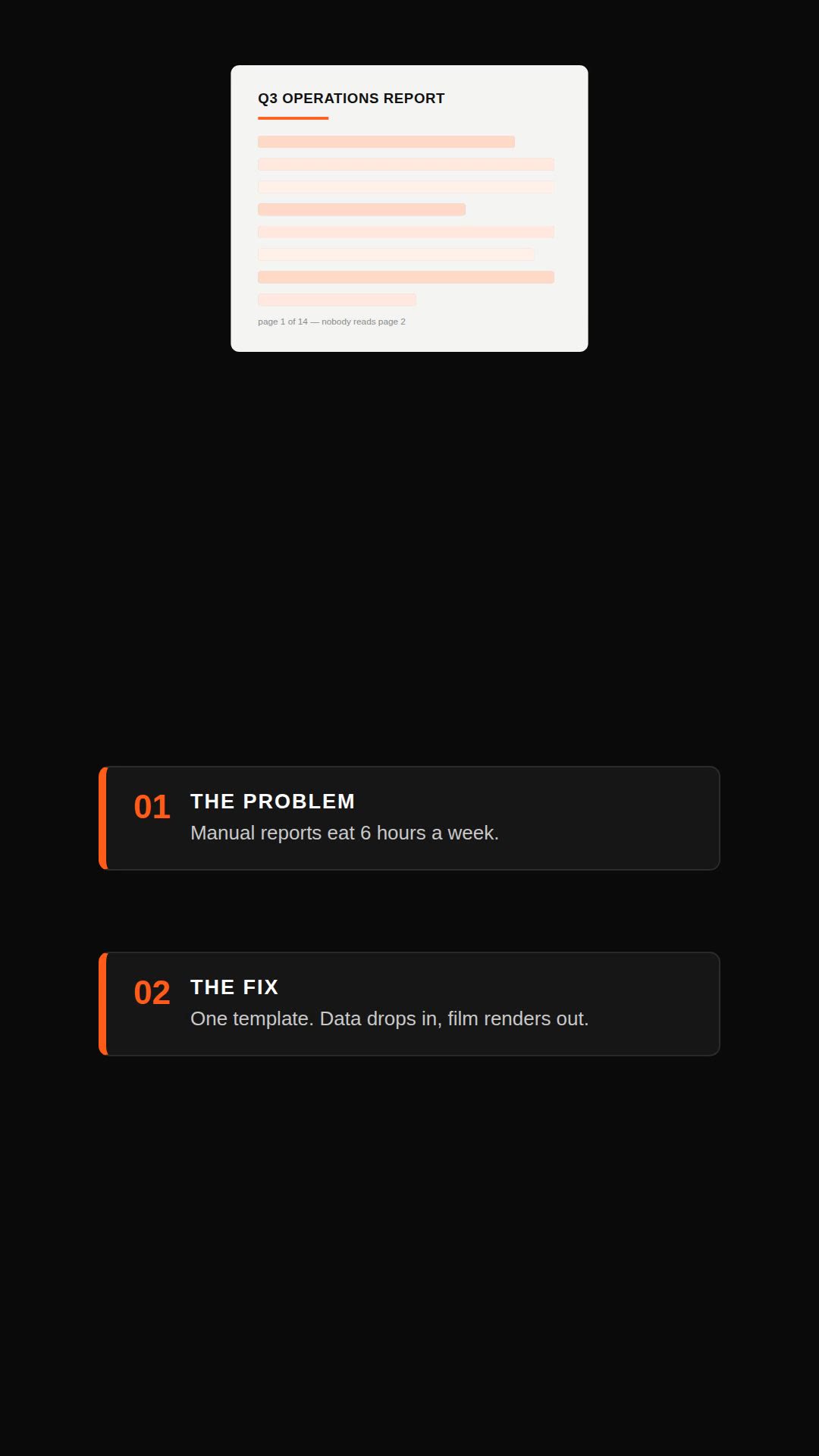
Remotion explainer prompt — document to vertical video
Remotion·Vertical Tested
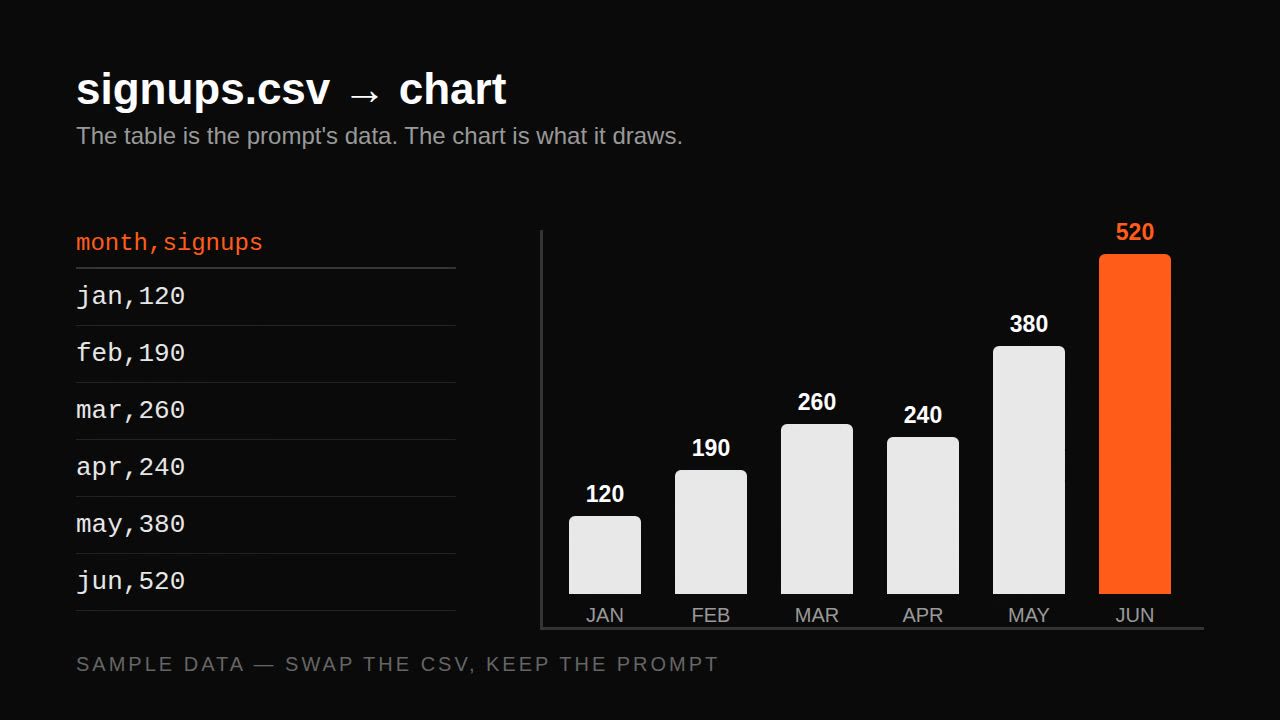
Remotion data prompt — CSV to animated bar chart
Remotion·Landscape Tested

Remotion lower third prompt — name/title overlays
Remotion·Landscape Tested
Remotion changelog prompt — release notes to video
Remotion·Landscape Tested