 Motion Prompt Lab.
Duration — 960×720 · 4:3 HTML Single-file HTML + Canvas 2D (seek-driven)
Run log
ModelClaude (agent build)
Renderer / stackSingle-file HTML + Canvas 2D (seek-driven)
Iterations to final2
Render time21s (final render)
Format960×720 · 4:3
Published2026-11-16
What broke (and the fix)
- First snapshot round caught the whole scene rendered tiny in the top-left corner: the blit drew the offscreen canvas at its native 128×96 instead of the ×7 destination size. Fixed by passing the explicit destination dimensions to drawImage; re-snapshot shows the wizard full-frame — purple hat and robe, white beard, cyan gem — with the charge spiral and cast burst reading clearly.
- The checker also raised a dead_stretch warning (nothing detected changing for the first ~4s). That is a detection limit, not a freeze: the canvas is redrawn from t on every frame — bob, beard sway, star twinkle and the charge build are all moving, as the snapshot stills at 1s/3s/4.4s confirm — but the checker's change detection does not read canvas pixels.
Original prompt (shared by creator) Tested Community
@majidmanzarpour's pixel-art wizard spell loop — community prompt (tested)
Shared by @majidmanzarpour · Original post
Shared prompt: collected in the MIT-licensed awesome-opus5-5-videos repository, which invites anyone to copy a prompt and run it with their own agent; the prompt itself is credited to its author, @majidmanzarpour. Our video is an independent test run of that prompt — the creator does not endorse Motion Prompt Lab.
Prompt
Banned list —Beat grid —Build method —Self-review —
Create a single self-contained HTML file that renders an animated pixel art wizard casting a spell, using vanilla JavaScript and Canvas 2D. No external assets, libraries, or network requests.
RENDERING
- Draw everything to an offscreen canvas at a fixed logical resolution of 128x96, then blit to a fullscreen display canvas scaled by the largest integer factor that fits the window, centered, with imageSmoothingEnabled = false and CSS image-rendering: pixelated.
- All drawing snaps to integer coordinates on the logical canvas. No sub-pixel positions, anti-aliasing, gradients, or shadowBlur.
- Fixed palette of ~24 hex colors: deep blues/purples for night sky, warm robe tones, 3-4 bright magic colors. Every pixel comes from this palette.
CHARACTER
- Build the wizard procedurally from filled rects and pixel runs, ~24x32 logical pixels: pointed hat with a bend, long beard, two-shade robe with darker outline, staff with a gem at the tip.
- Parameterize the pose (staff angle, arm raise, head tilt, robe sway). Animate parameters smoothly, then quantize to the pixel grid each frame so motion reads at an 8-12 fps pixel animation feel even though the loop runs at 60fps.
ANIMATION
- Looping state machine: IDLE (2-frame bob, beard sway) -> CHARGE (staff raises, gem flickers, sparks spiral inward) -> CAST (bright burst, projectile fires across the scene, 1-2 pixel screen shake) -> RECOVER (settle back). Ease pose parameters between keyframes.
- Pooled allocation-free particle system: preallocate and reuse. Sparks orbit the gem during CHARGE, explode outward on CAST, each particle stepping its palette index from white to magic color to dark before despawn. Snap particle positions to the grid when drawing.
- Fixed 60hz timestep update with rAF rendering. Zero object allocation inside the loop.
SCENE
- Minimal background: dark sky, a few twinkling 1px stars, moon, stone floor line. Character silhouette must read clearly.
- Subtle 1px rim light on the wizard from the gem, brightening during CHARGE and CAST.
QUALITY BAR
- Crisp pixels at any window size, seamless loop, stable 60fps, readable silhouette. Should look like a polished 16-bit sprite animation, not vector shapes scaled down.
Use this prompt
Paste into: Your AI coding agent (Claude Code, Cursor, …)
Heads up: this prompt writes code. It renders inside a coding agent — pasting it into Veo, Google Flow or Kling will not work.
How to use
- Copy the prompt into your AI coding agent and let it build the project.
- Swap the sample content for your own where the prompt marks it.
- Render the video — or skip the prompt and open the downloaded project files in HTML directly.
We built the spec as written: an offscreen 128×96 logical canvas blitted at an integer ×7 scale with smoothing off, a fixed 24-colour palette, and the IDLE → CHARGE → CAST → RECOVER loop at ~8 seconds. One adaptation for our player: the spec's rAF loop is driven here by the HyperFrames seek clock, so every frame is a pure function of t — pose parameters are quantised to a 10fps grid, which is what gives the run its 16-bit step. Particles are pooled and computed from t, never stored, so the loop is seamless and allocation-free in effect.
Related videos
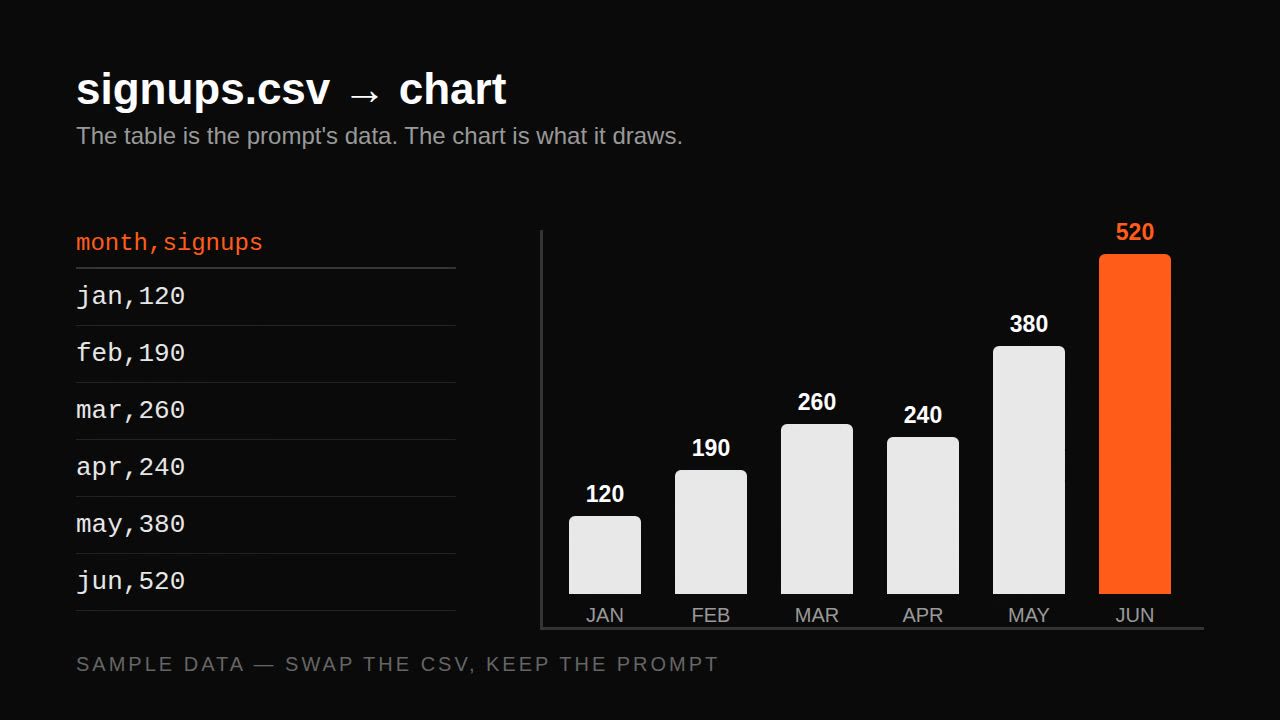
Remotion data prompt — CSV to animated bar chart
Remotion·Landscape Tested
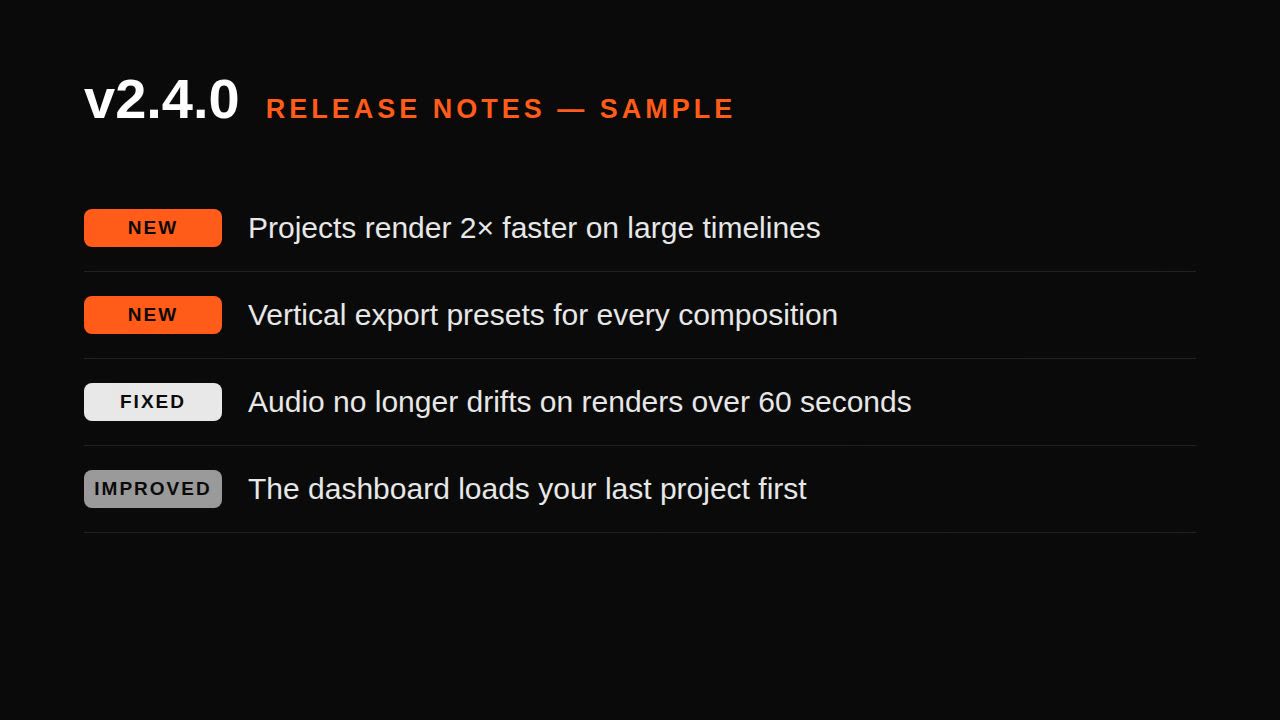
Remotion changelog prompt — release notes to video
Remotion·Landscape Tested
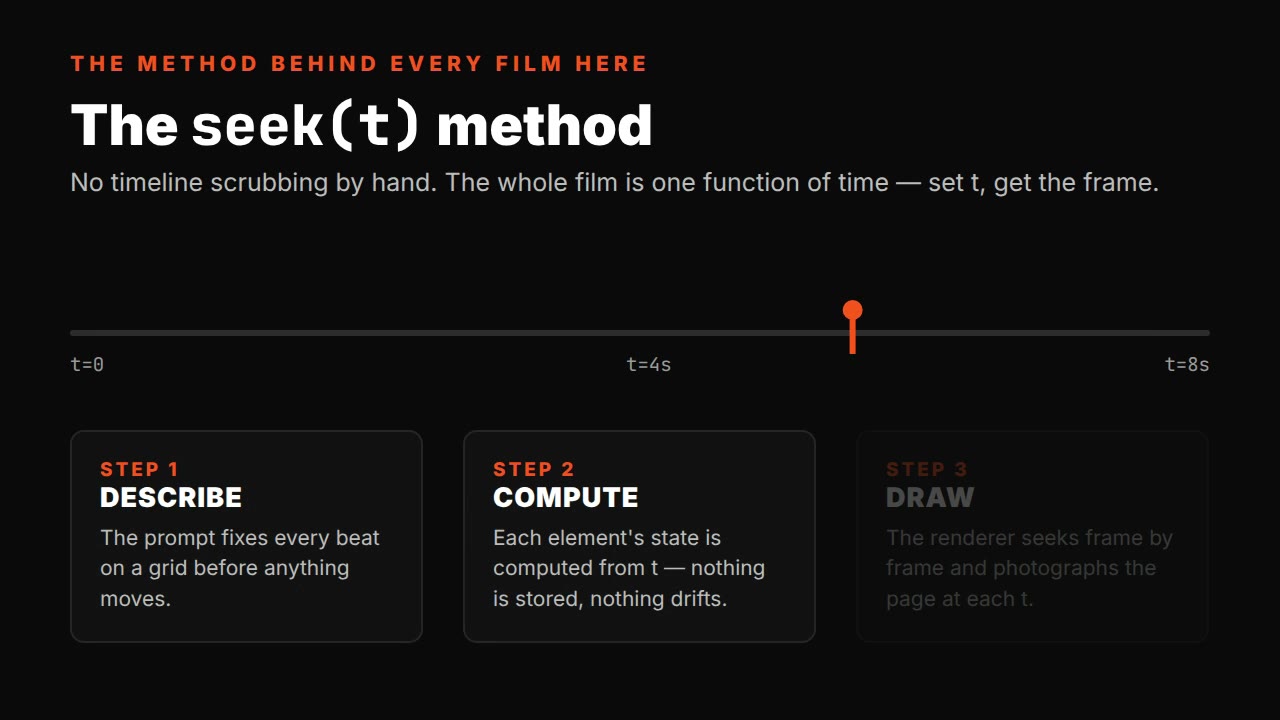
Single-file HTML explainer prompt — seek(t) method
HTML·Landscape Tested
HyperFrames PR-to-video prompt — GitHub PR to changelog film
HyperFrames·Landscape Tested