 Motion Prompt Lab.
Duration — 1280×720 · 16:9 landscape HyperFrames HyperFrames + GSAP
Run log
ModelClaude (agent build)
Renderer / stackHyperFrames + GSAP
Iterations to final2
Render time21s (final render)
Format1280×720 · 16:9 landscape
Published2026-11-16
What broke (and the fix)
- First check failed on one layout error: in the picture-in-picture finale the nested frames' RECURSION titles overlapped (and the outer frame's title sat where the next frame's opaque background would cover it). Restructured so each frame's title rides as a title bar at the top of its own frame, and marked the intentional nesting with data-layout-allow-overlap / allow-occlusion; the blueprint staircase was also shifted left so its STOP step clears the corner inset. Re-check passed with 0 errors and 24/24 contrast.
- The five styles cut every ~2 seconds, so the checker raises line_unread pacing warnings (including on the closing caption). That speed is the prompt's own instruction — 'fast moving' — and every line was verified readable in the snapshot stills.
Original prompt (shared by creator) Tested Community
@emollick's recursion explainer in five styles — community prompt (tested)
Shared by @emollick · Original post
Shared prompt: collected in the MIT-licensed awesome-opus5-5-videos repository, which invites anyone to copy a prompt and run it with their own agent; the prompt itself is credited to its author, @emollick. Our video is an independent test run of that prompt — the creator does not endorse Motion Prompt Lab.
Prompt
Banned list —Beat grid —Build method —Self-review —
A video explaining recursion, where every explanation about recursion has a radically different video style, make this self-referential & clever & fast moving.
Use this prompt
Paste into: Your AI coding agent (Claude Code, Cursor, …)
Heads up: this prompt writes code. It renders inside a coding agent — pasting it into Veo, Google Flow or Kling will not work.
How to use
- Copy the prompt into your AI coding agent and let it build the project.
- Swap the sample content for your own where the prompt marks it.
- Render the video — or skip the prompt and open the downloaded project files in HyperFrames directly.
The prompt is a single sentence, so every creative choice is ours: recursion explained in five ~2-second segments — chalkboard (a function that calls itself), blueprint (the base case), neon terminal (the code), paper cutout (same shape, smaller) — and a picture-in-picture finale where the film restarts inside itself, four frames deep. Each segment also carries a miniature inset of itself, so the self-reference runs through the whole cut, not just the gag at the end.
Related videos

@songkeys' doodle history of humanity — community prompt (tested)
HyperFrames·16:9 landscape TestedCommunity
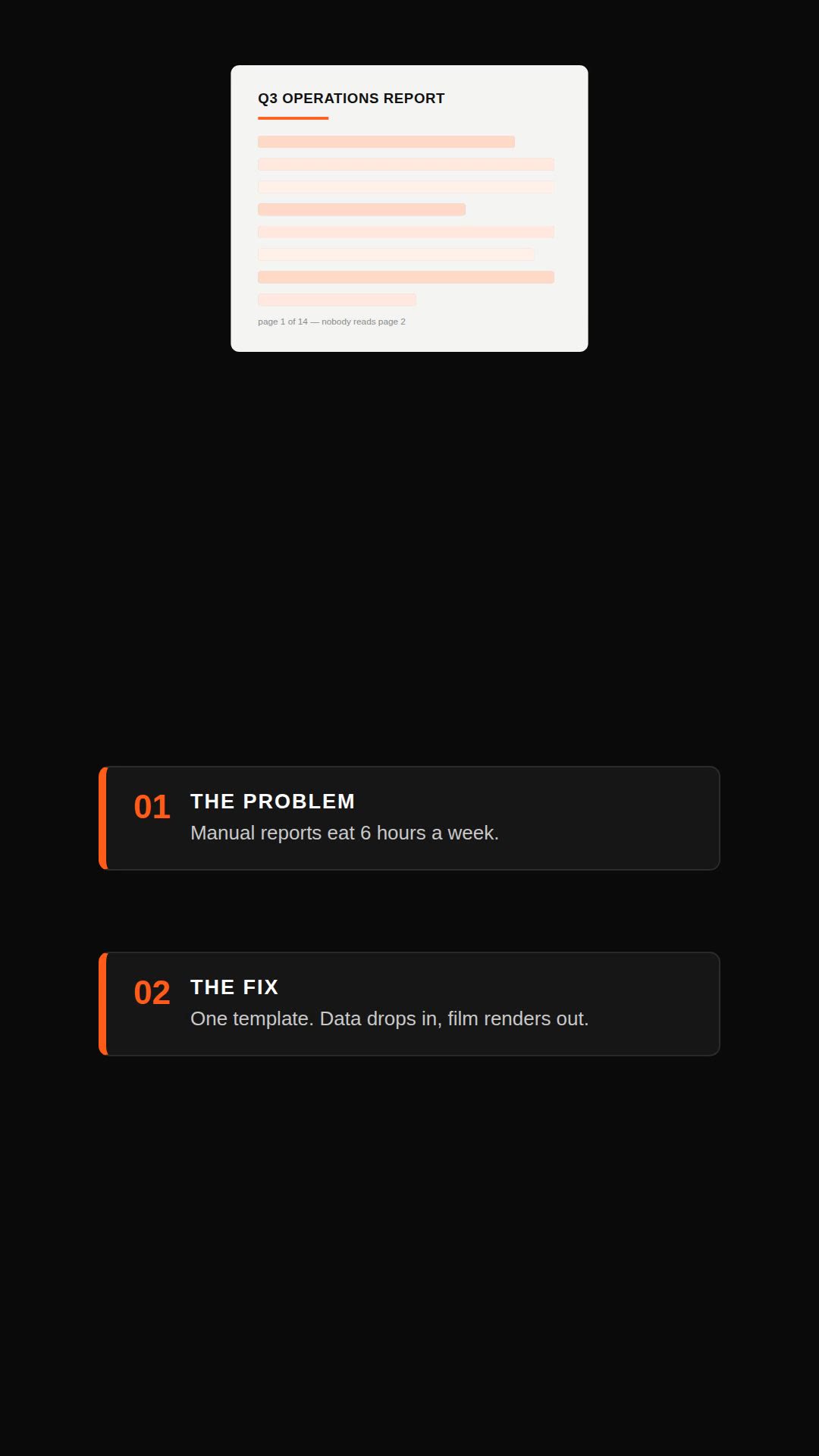
Remotion explainer prompt — document to vertical video
Remotion·Vertical Tested

Claude Motion explainer prompt — all-hands update style
HyperFrames·Landscape Tested
Claude Motion alternative — explainer without Motion (Remotion)
Remotion·Landscape Tested